Why We Built a Terminal Simulator
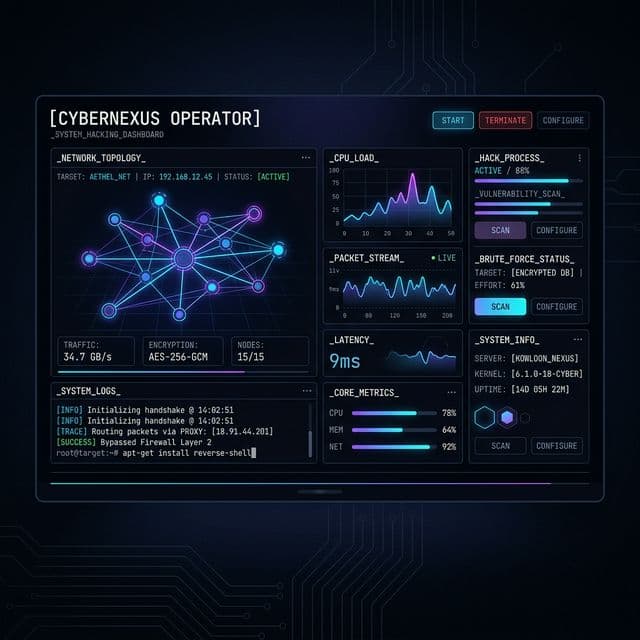
Watching YouTube videos about Kubernetes deployments is incredibly easy. But when you get paged at 3:00 AM because an API gateway is throwing 502s, your brain doesn't need video tutorials—it needs muscle memory.
That is why we built the Incident Commander Simulator. Rather than providing multiple-choice questions, we wanted aspiring SREs and Cloud Engineers to experience the panic, the clock ticking, and the absolute necessity of terminal fluency under fire.
The Under-The-Hood Architecture
The simulator behaves like a real Linux/Kubernetes environment. Underneath our Next.js frontend, we use an advanced state machine that parses textual input via high-performance RegEx matching strategies.
- The State Engine: Every incoming command relies on an internal `SimulatorState` object tracking CPU usage, memory leaks, replica amounts, and time remaining dynamically.
- Command Parsing: When you run
kubectl scale deployment api-server --replicas=5, our engine doesn't just print "scaled" blindly. It updates the underlying `replicas` state matrix, recalculating server load and bringing average CPU usage down recursively.
Fixing Our Own UI Incidents
Ironically, during the initial deployment of the Simulator, we encountered a frontend SEV-1 design flaw of our own! Typing hundreds of command lines into the pseudo-terminal caused the parent layout container to infinitely expand downwards. Instead of containing a localized scrollbar, it was ripping our dashboard grid completely off-screen!
We resolved this by locking the right-side grid wrapper to a hard h-[600px] constraint across large screens, forcing the terminal's internal bounding box to recognize its limits and trigger its native overflow-y-auto scroll perfectly.